
Introduction
Connect a piezo speaker to a Bit Board and control it with code.
We'll explore how we can make sounds using a piezo speaker.

Video Overview
Featured Document
-
-
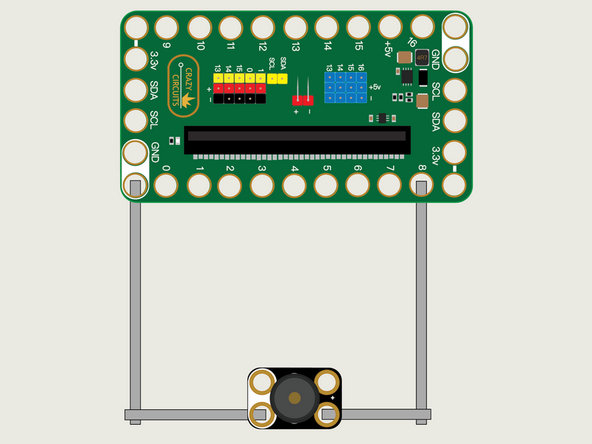
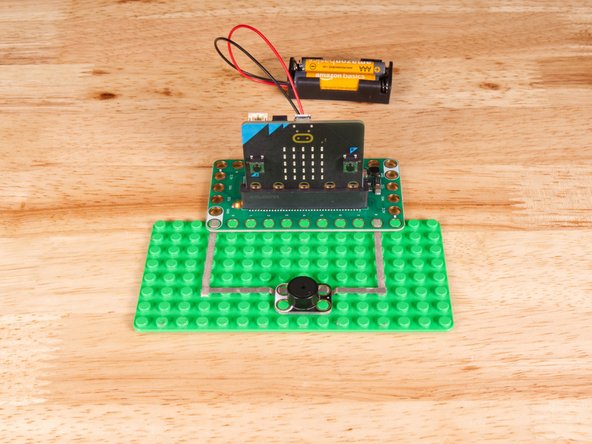
We'll use Maker Tape to connect the Piezo to the Bit Board on a LEGO baseplate.
-
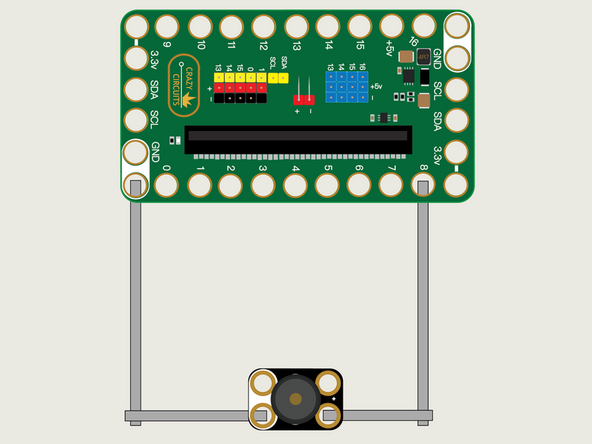
The Piezo will connect to Pin 8 and to Ground (GND).
-
You'll notice the Ground on the Bit Board (as well as the Piezo and other Crazy Circuits components we'll use) is color coded White.
-
-
-
If you've never used a micro:bit before you'll want to check out this guide: Bit Board V2 Setup and Use
-
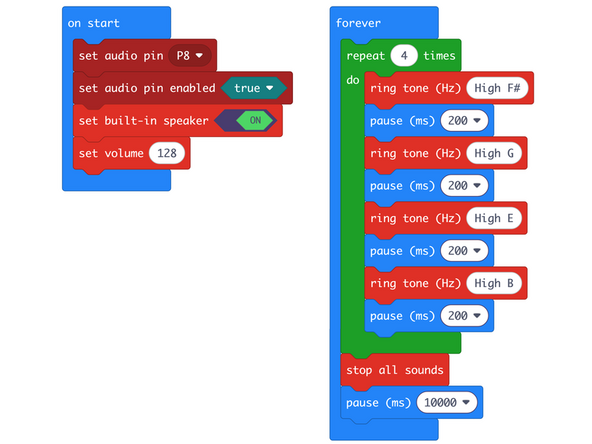
We're going to load the following code for our Piezo Tones program: https://makecode.microbit.org/_XoAM1xXYE...
-
We'll play some various tones, with a pause between each one, and finally use the stop all sounds block to make sure the last one doesn't keep playing!
-
Note that we've set our audio pin to P8, and also have the set built-in speaker block to on. This means the sound will play on the Crazy Circuits Piezo as well as the micro:bit's built-in piezo.
-
-
-
Once the code is loaded it should start running immediately.
-
You can power the micro:bit via the USB cable you used to load the code or you can use a battery pack plugged into the Bit Board.
-
The micro:bit will use the repeat block to play four tones four times, then stop all the sounds for 10 seconds, and repeat.
-
-
-
Follow along with our recorded Live Stream!
-
You can watch the full video of us walking through this project, along with explaining and exploring the code: https://www.youtube.com/live/3olw8CrFukM...
-
Attached Documents
