Introduction
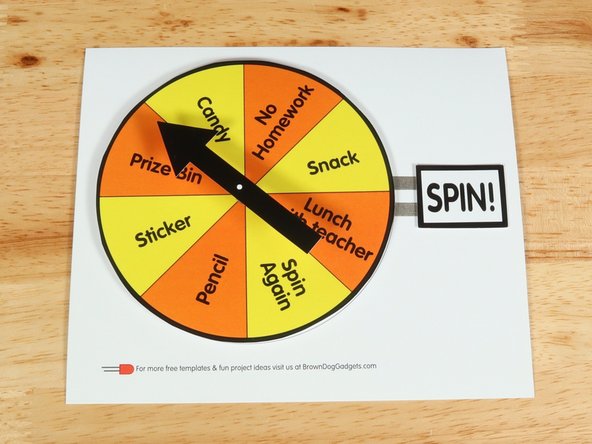
Create this Prize Wheel to use as an incentive in the classroom! This is a variation of the Game Spinner project.
This can be created with our Paper Circuits Kit and a barrel motor!


Video Overview
Featured Document
-
-
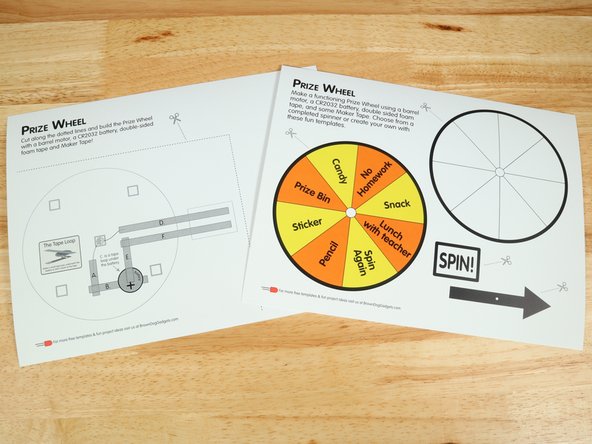
Make sure to print this template single-sided. You will be making a project with two distinct layers with a small gap in between.
-
We suggest printing on heavier cardstock to ensure the project stands up to the circuitry.
-
-
-
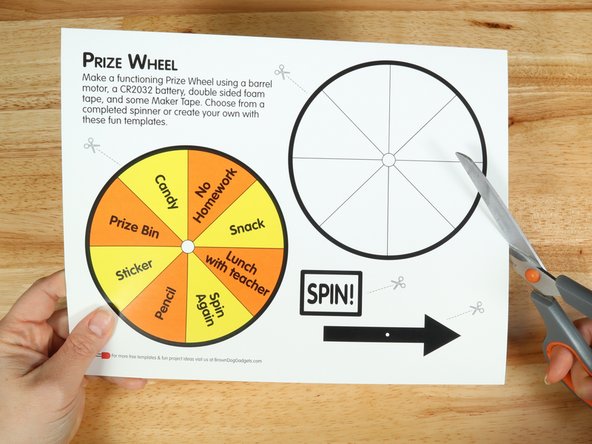
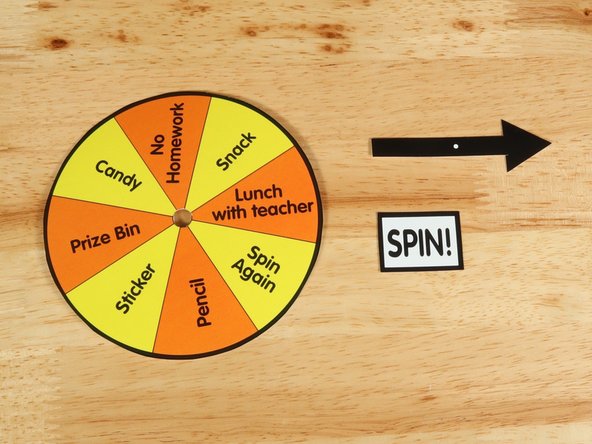
There are two versions of the wheel. You can use the pre-made version or color and label your own.
-
Cut out all the parts on the first page and the small hole in the middle of the wheel template.
-
We will be putting the motor through this hole in a later step.
-
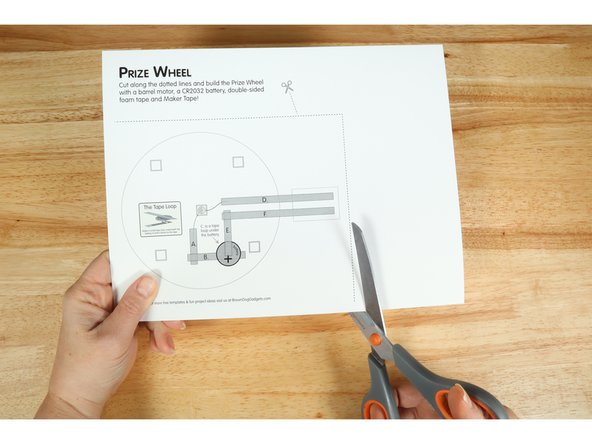
Cut out the large rectangle on the second page by cutting along the dotted line.
-
-
-
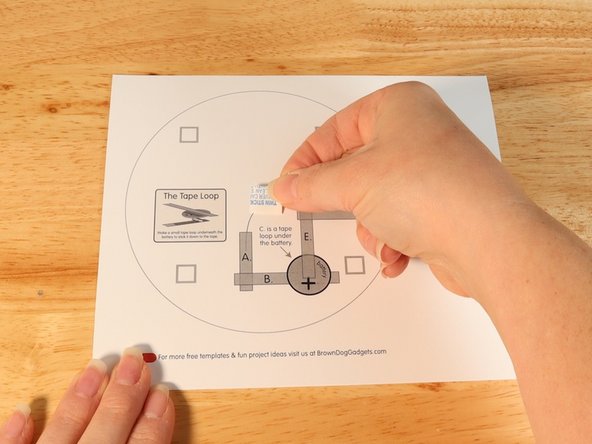
Add a piece of double-sided foam tape to the center of the bottom layer.
-
Stick the motor to the double sided tape making sure the back of the motor (with the wires) is stuck down to the tape and the part that spins faces upwards so it can move freely.
-
-
-
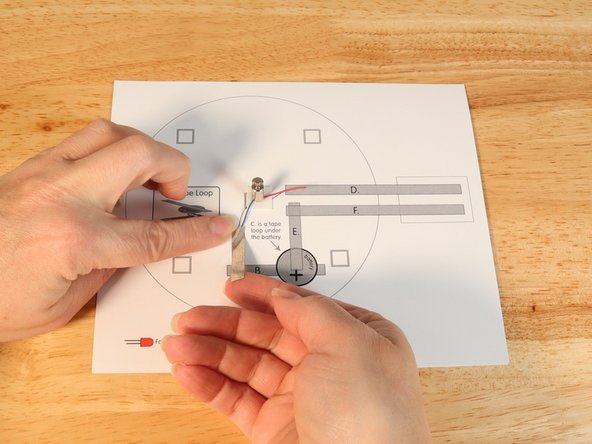
Using Maker Tape add Tape Path A. pressing it down atop the blue wire.
-
If your wires are reversed it will just change the direction the motor rotates.
-
-
-
Using Maker Tape add Tape Path B. This path should overlap with Tape Path A.
-
-
-
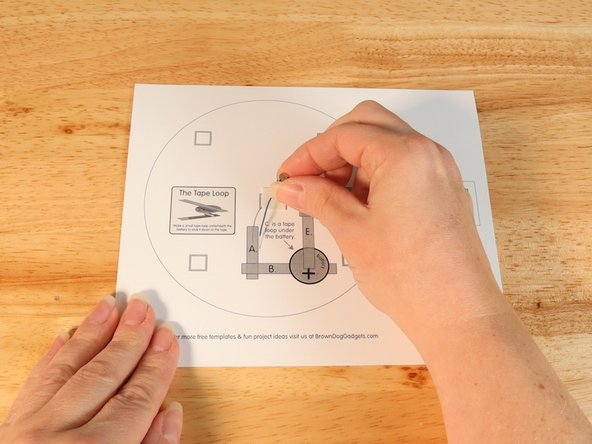
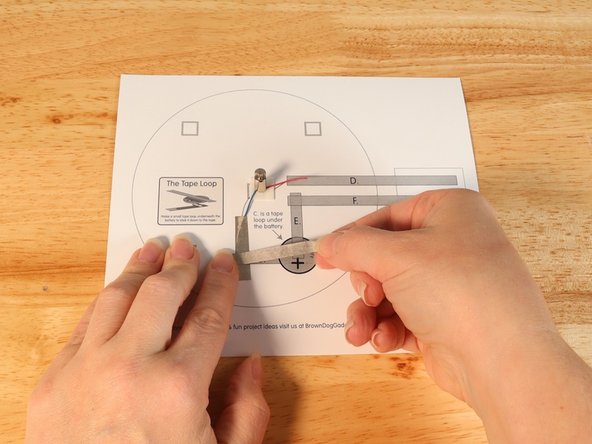
Make a loop of tape (sticky side out) using a short piece of Maker Tape, and stick it atop the end of Path B.
-
-
-
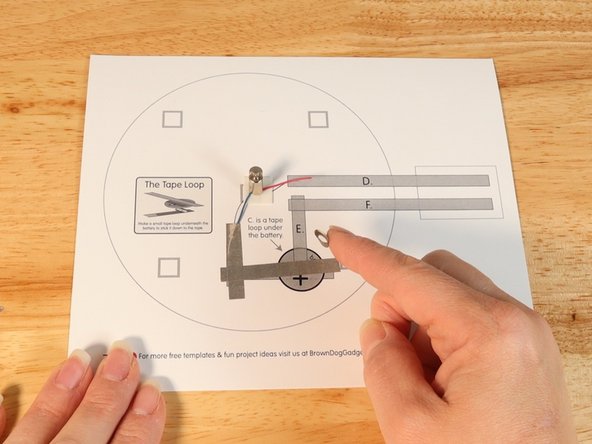
Once your tape loop is in place you can add the Battery to it.
-
Make sure the Positive side of the Battery is facing upwards, with the Negative side stuck down to the tape loop.
-
-
-
Using Maker Tape add Tape Path D. pressing it down atop the red wire.
-
-
-
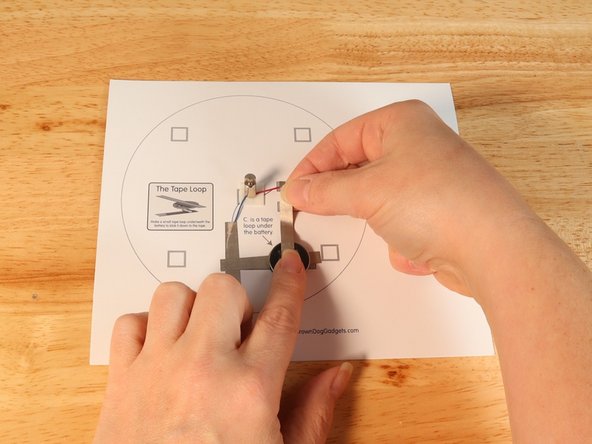
Using Maker Tape add Tape Path E. to the top of the battery and onto the template.
-
Make sure Tape Path E. does NOT come in contact with Tape Path D.
-
-
-
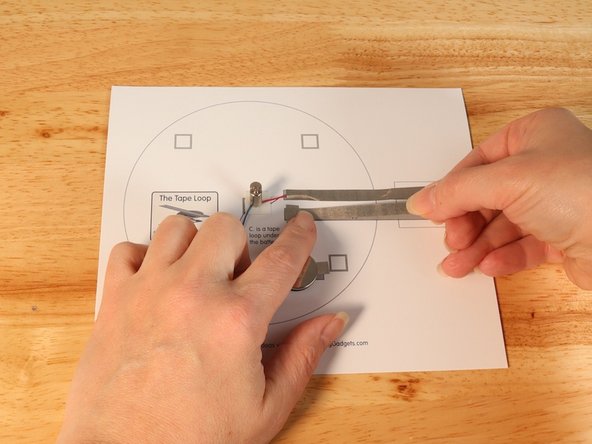
Using Maker Tape add Tape Path F.
-
Make sure to maintain the gap between Tape Path D. and Tape Path F. This gap is needed to be able to control the circuit.
-
-
-
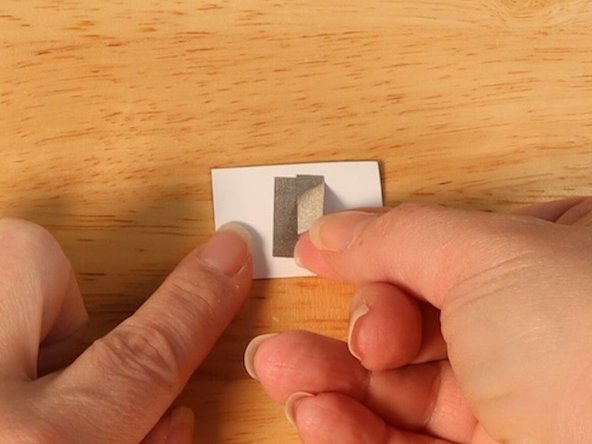
On the back of the "SPIN!" piece, add a couple pieces of Maker Tape vertically in the center.
-
These pieces of Maker Tape should be perpendicular to tape paths D. and F. to complete the circuit when pressed.
-
-
-
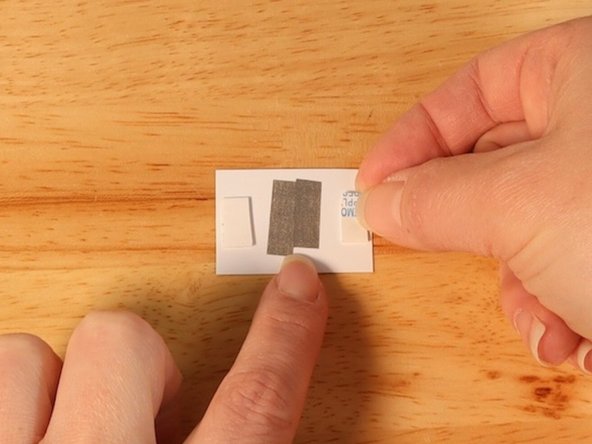
Add two pieces of double sided foam tape to each end of the "SPIN!" switch.
-
These pieces of foam tape should not cover the Maker Tape added in step 11.
-
Attach the switch to the template.
-
-
-
At this point you should test the circuit to make sure it works. When you press down on the "SPIN!" switch the motor should spin.
-
It is easier to fix the circuit if it is not working before adding the top layer.
-
If it does not spin...
-
Make sure that your switch is making contact.
-
Make sure your motor can spin freely and doesn't have anything impeding its movement.
-
-
-
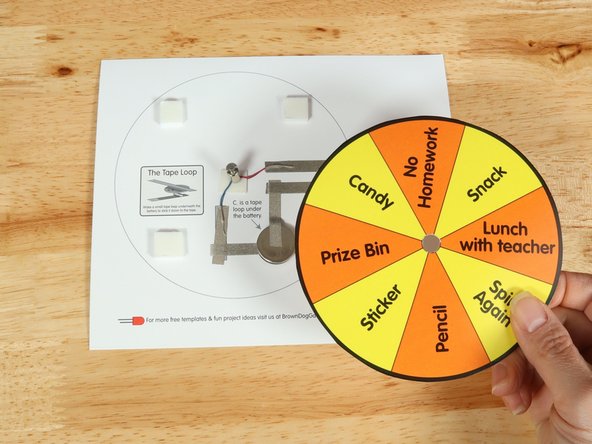
Add four small pieces of double-sided foam tape to the squares around the outline of the template.
-
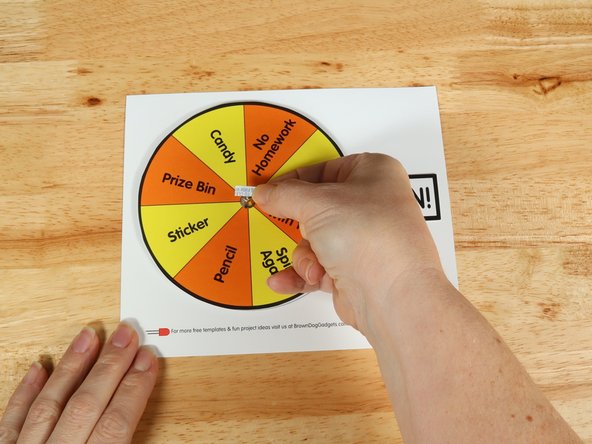
Place the wheel template of your choosing over the top of the motor so the motor goes through the small hole you cut earlier.
-
Press down on top of the template to adhere the top layer to the foam tape.
-
-
-
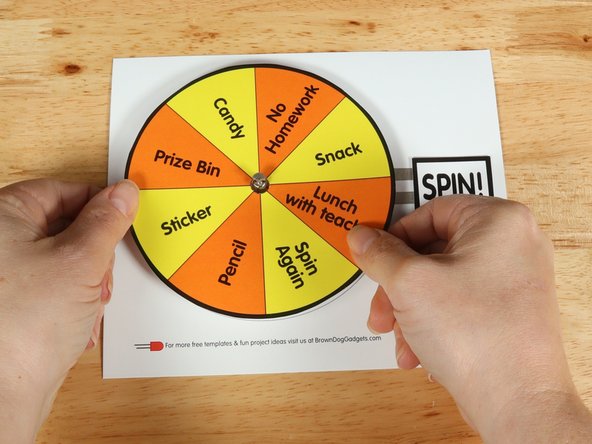
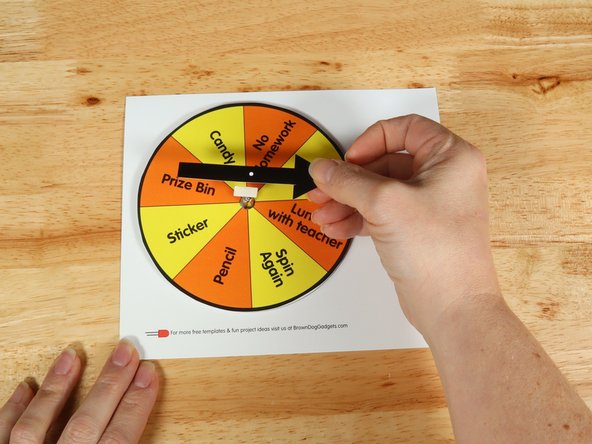
Add another square of double-sided tape onto the shaft of the motor, and then stick the arrow to it.
-
-
-
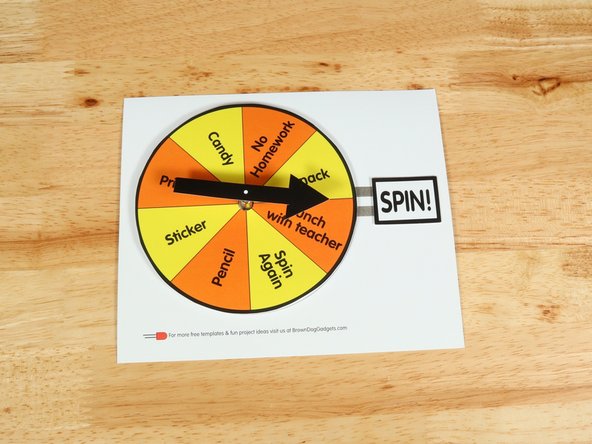
Press or hold the "SPIN!" switch to spin the arrow and win a prize!
-







Attached Documents