-
-
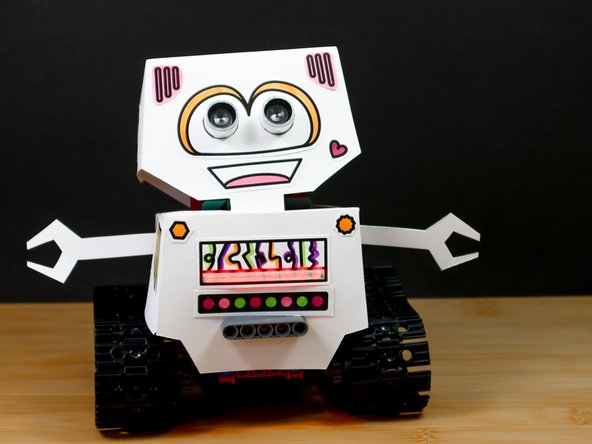
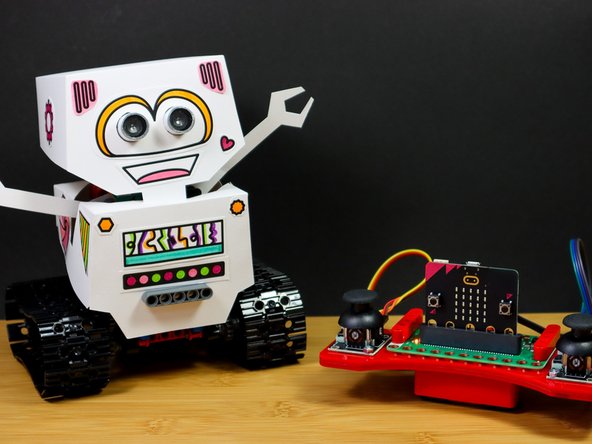
If you haven't already, build the Complete Robot Tank Build by following this guide.
-
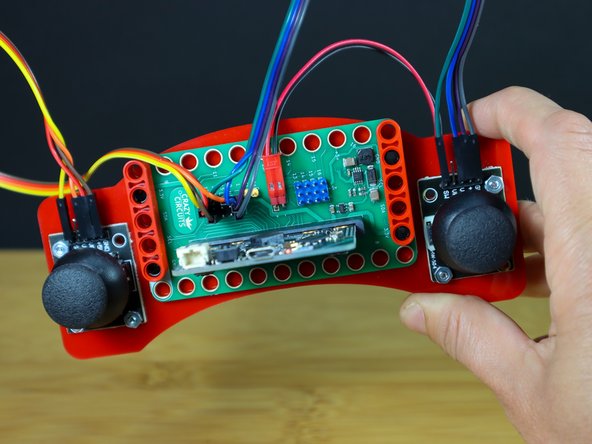
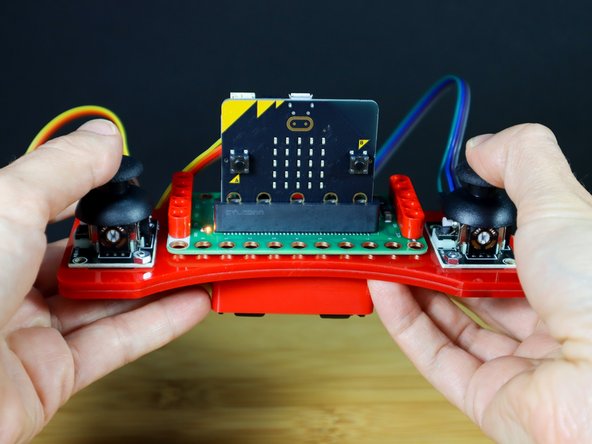
And build the Thumbstick Remote by following this guide.
-
-
-
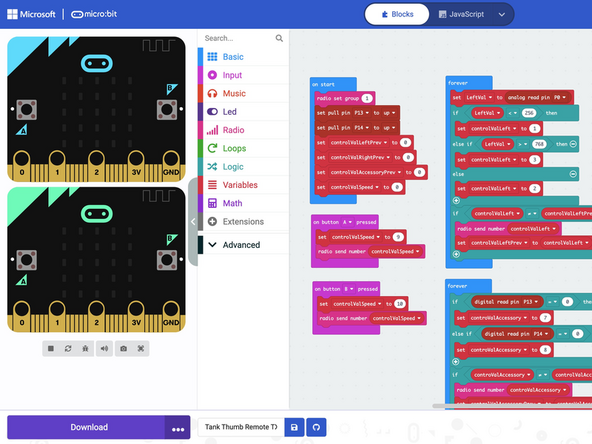
The code below is based on the Tank Thumb Stick Remote guide. To learn more about how this code works, check out that guide.
-
To control your robot, add this code to the micro:bit in your remote.
-
-
-
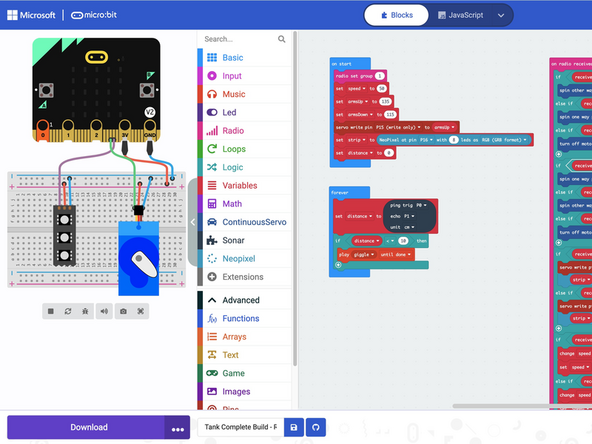
To let your Robot be controlled, download this code to the micro:bit inside your 'bot.
-
-
-
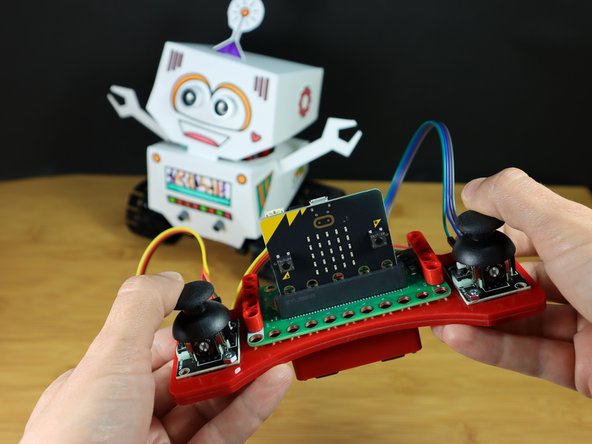
Use the joysticks to control each wheel forward and backward.
-
If you built the "Complete Build" with the ping sensor, LEDs, and movable arms, you can also control them like this:
-
Pressing the left Joystick button down will put the arms up and make the LEDs green!
-
Pressing the right joystick button will put the arms down and make the LEDs red.
-
Waving your hand in front of the Bot's eyes (Ping sensor) will make it giggle!
-
Challenge: Experiment with changing the code to make the Bot behave in a different way using the remote!
-