1.0

Major VersionM

by Joshua

Video Overview

Featured Document

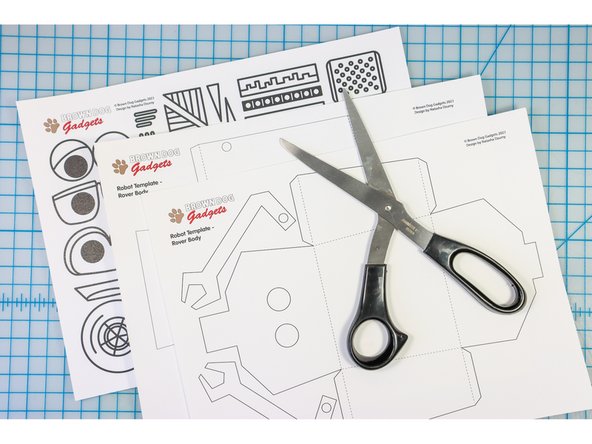
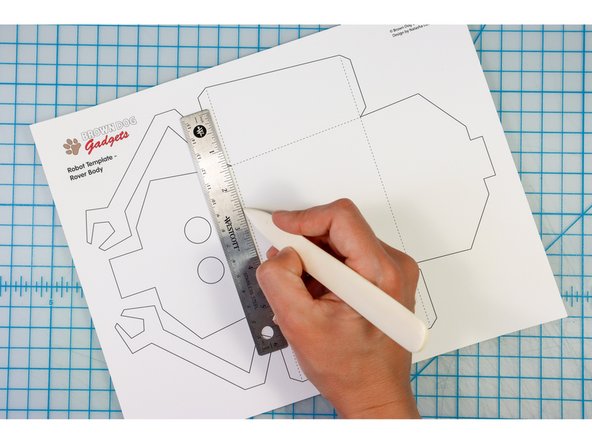
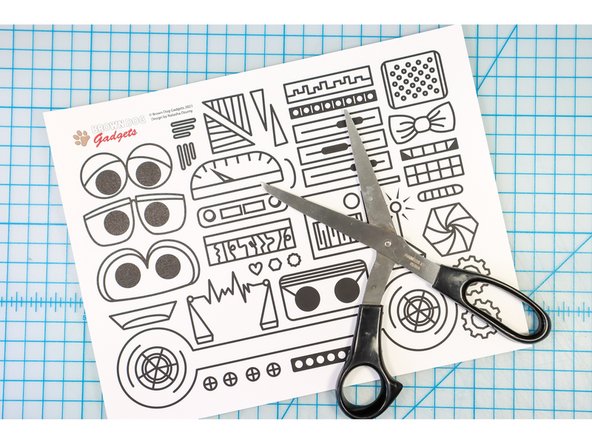
  1. Print the template on cardstock. You could choose to print on colored cardstock to add some pizazz! Score the paper along the dotted lines.
    • Print the template on cardstock. You could choose to print on colored cardstock to add some pizazz!

    • Score the paper along the dotted lines.

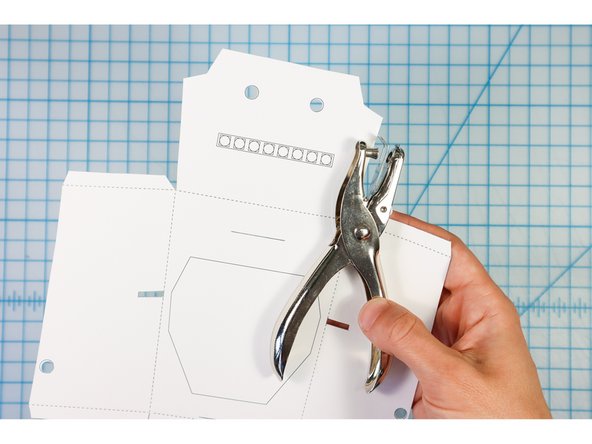
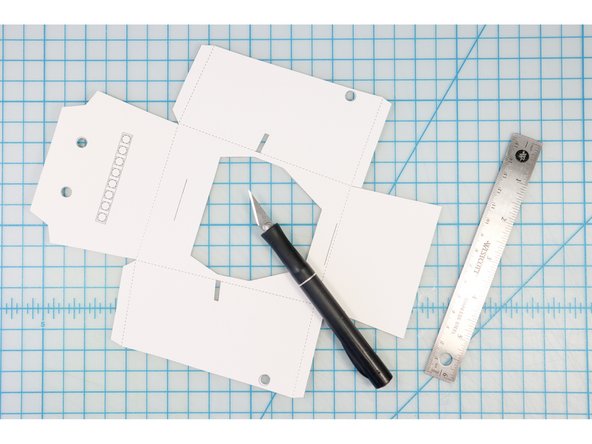
  2. Cut along the solid lines. Use a standard hole punch to punch the circles. Use a craft knife and ruler to cut the interior shapes and lines.
    • Cut along the solid lines.

    • Use a standard hole punch to punch the circles.

    • Use a craft knife and ruler to cut the interior shapes and lines.

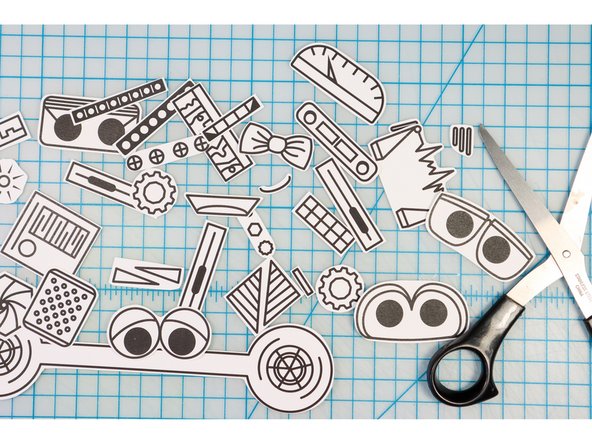
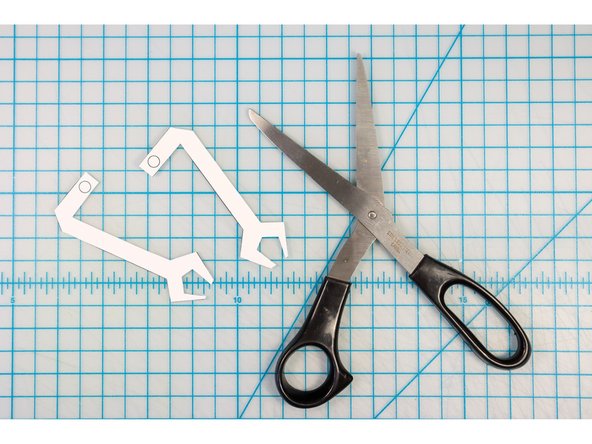
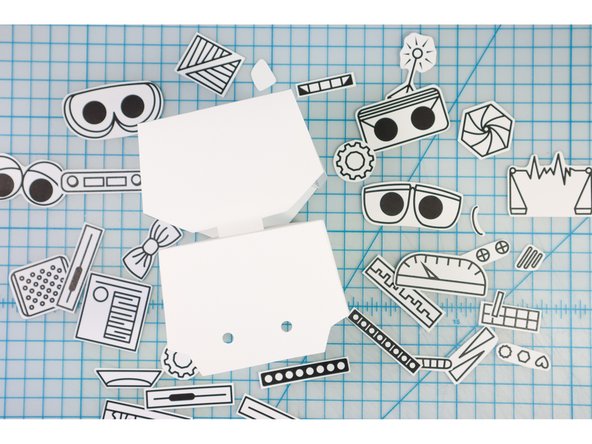
  3. Cut out the robot designs. Cut out the arms. Tip: You don't need to punch the holes unless you plan to create the moving arms. To learn how to do this, follow this tutorial.
    • Cut out the robot designs.

    • Cut out the arms.

    • Tip: You don't need to punch the holes unless you plan to create the moving arms. To learn how to do this, follow this tutorial.

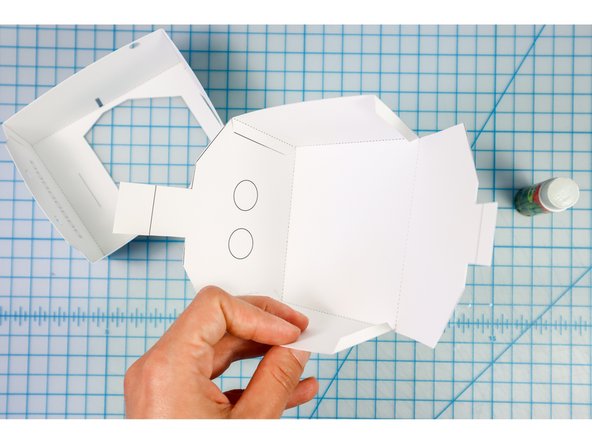
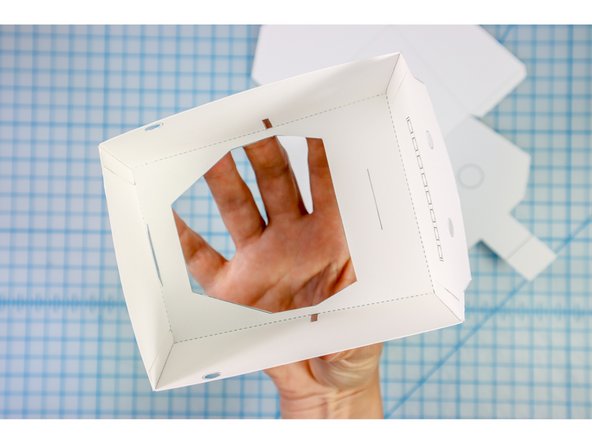
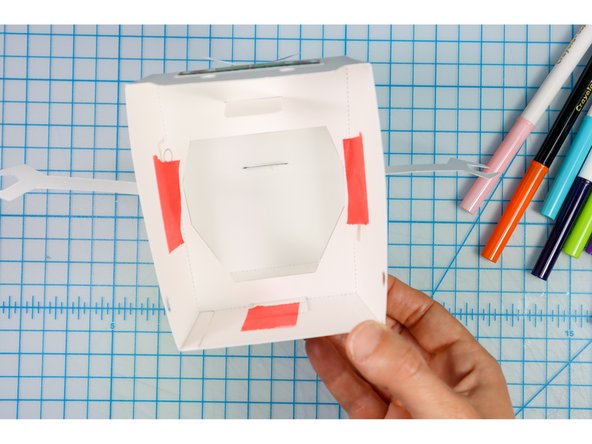
  4. Fold the tabs and glue them to the interior of the head and body as shown. You can choose if you'd like to place the design on the outside to be visible or on the inside to hide it.
    • Fold the tabs and glue them to the interior of the head and body as shown.

    • You can choose if you'd like to place the design on the outside to be visible or on the inside to hide it.

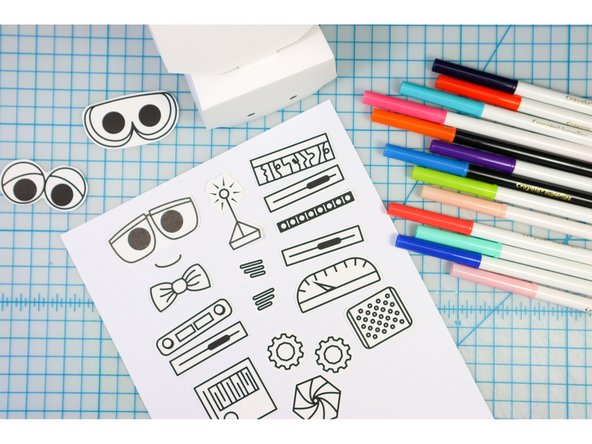
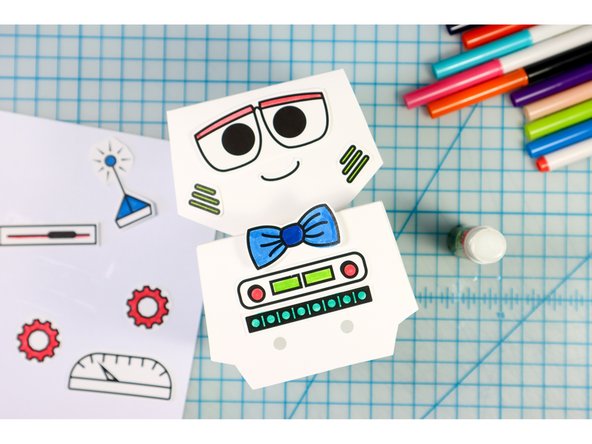
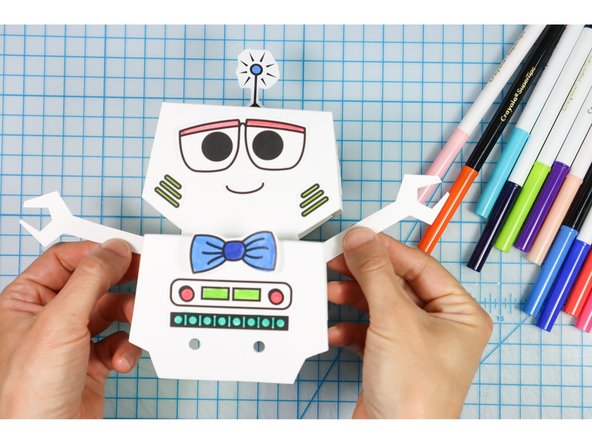
  5. Choose facial features, or design your own. Color them, then glue them to the Bot's body. Color them, then glue them to the Bot's body.
    • Choose facial features, or design your own.

    • Color them, then glue them to the Bot's body.

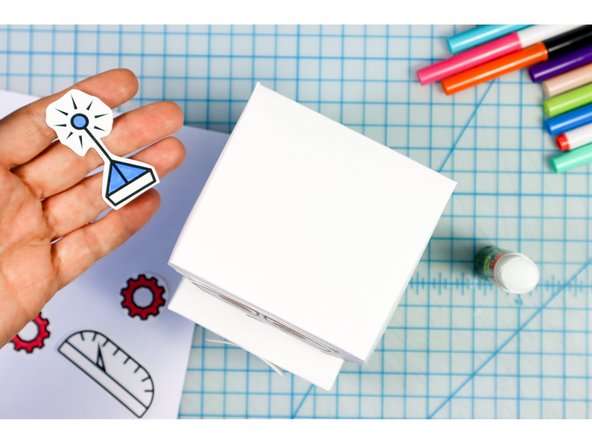
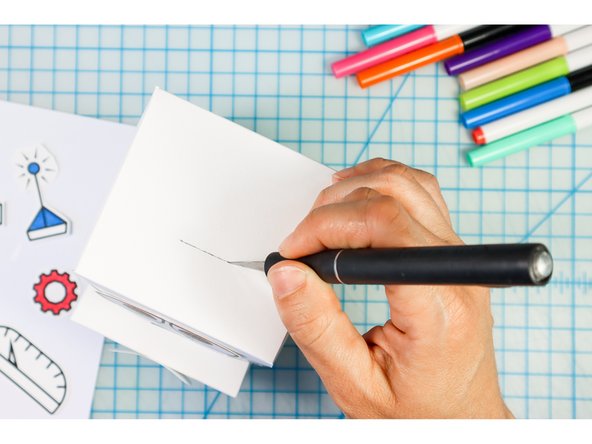
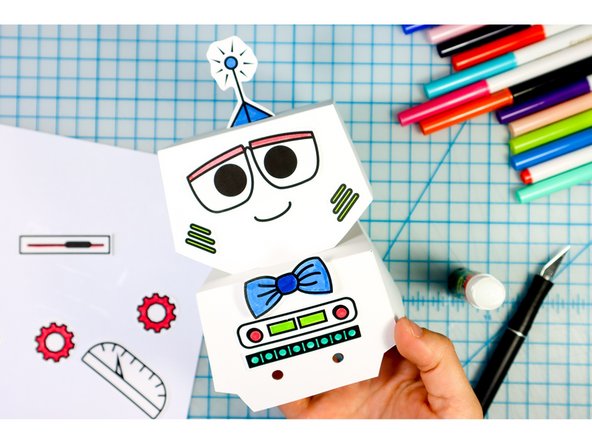
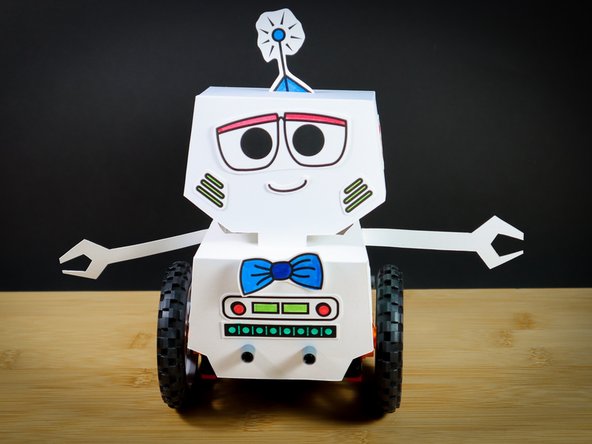
  6. There are some shapes that look cute on top of the robot. Place a slit in the Bot's head where the embellishment should go. Insert the paper shape. Cute!
    • There are some shapes that look cute on top of the robot.

    • Place a slit in the Bot's head where the embellishment should go.

    • Insert the paper shape. Cute!

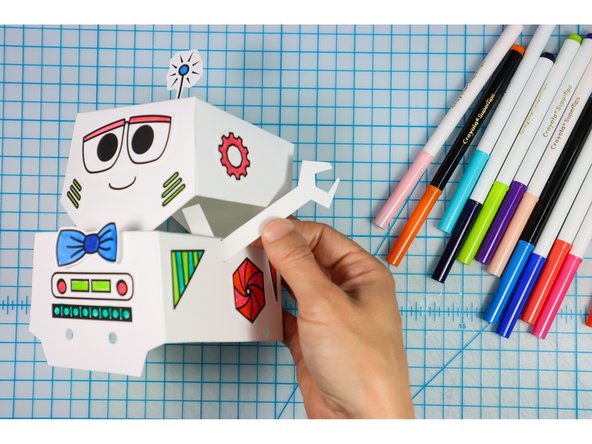
  7. Insert the arms through the slits in the side. Place them at the angle that you like and then tape them in place. (You may need to trim them shorter so that they don't stick out of the neck.) Place them at the angle that you like and then tape them in place. (You may need to trim them shorter so that they don't stick out of the neck.)
    • Insert the arms through the slits in the side.

    • Place them at the angle that you like and then tape them in place. (You may need to trim them shorter so that they don't stick out of the neck.)

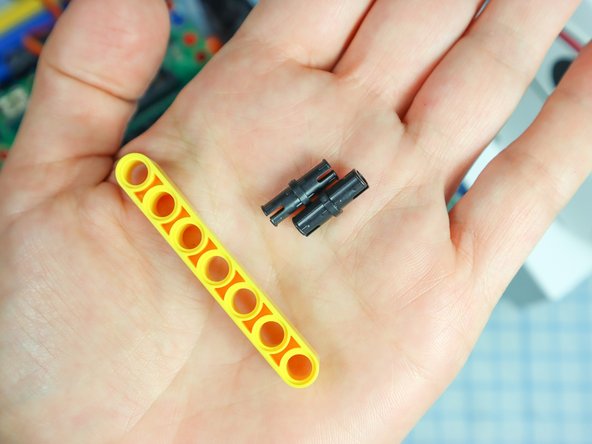
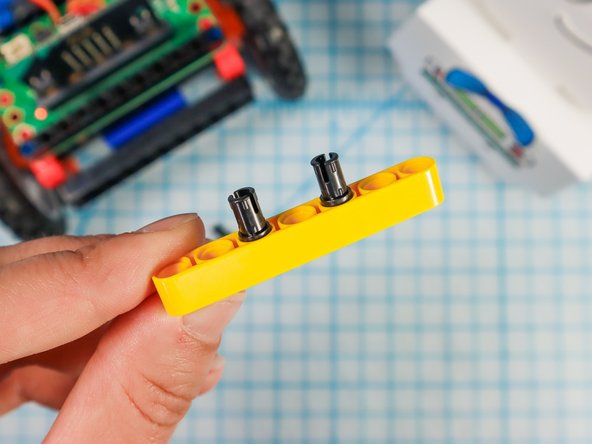
  8. Use two pins to add a LEGO beam to the front of the Rover as shown. Use two pins to add a LEGO beam to the front of the Rover as shown. Use two pins to add a LEGO beam to the front of the Rover as shown.
    • Use two pins to add a LEGO beam to the front of the Rover as shown.

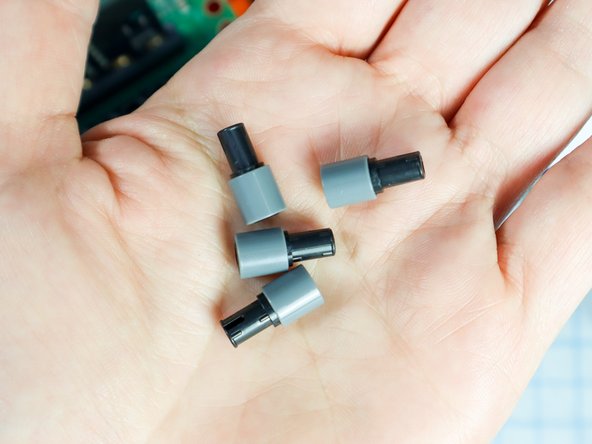
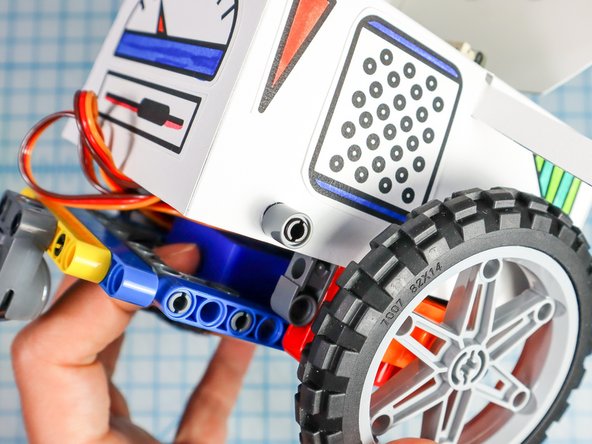
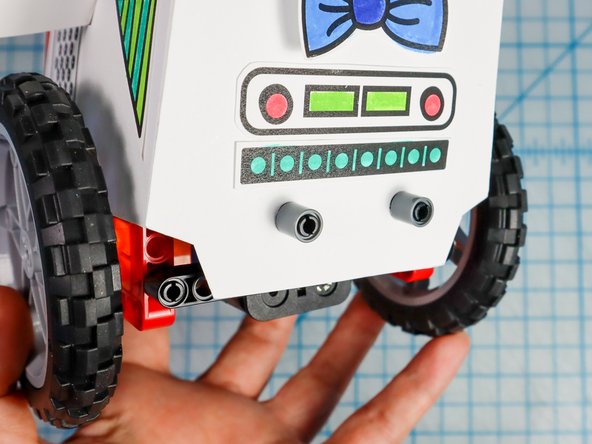
  9. Connect 4 grey single beams to 4 black pins as shown. Use the pin/beam pieces to attach the body to the rover as shown. There is a connection behind the wheel on both sides and there are two connections in the front. Use the pin/beam pieces to attach the body to the rover as shown. There is a connection behind the wheel on both sides and there are two connections in the front.
    • Connect 4 grey single beams to 4 black pins as shown.

    • Use the pin/beam pieces to attach the body to the rover as shown. There is a connection behind the wheel on both sides and there are two connections in the front.

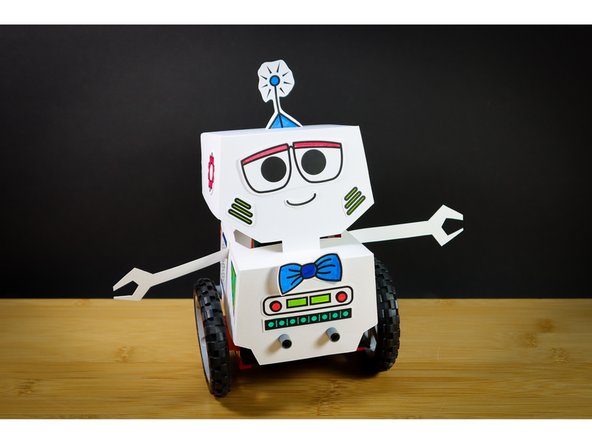
  10. Now that you have a bot, take them out for a spin! (Connect the batteries!)
    • Now that you have a bot, take them out for a spin! (Connect the batteries!)

    • To make a remote control for your bot, continue with this tutorial: Rover Thumbstick Remote

Finish Line

Natasha Dzurny

Member since: 8/26/19

5,737 Reputation

93 Guides authored

0 Comments

Add Comment


View Statistics:

Past 24 Hours: 0

Past 7 Days: 0

Past 30 Days: 2

All Time: 43